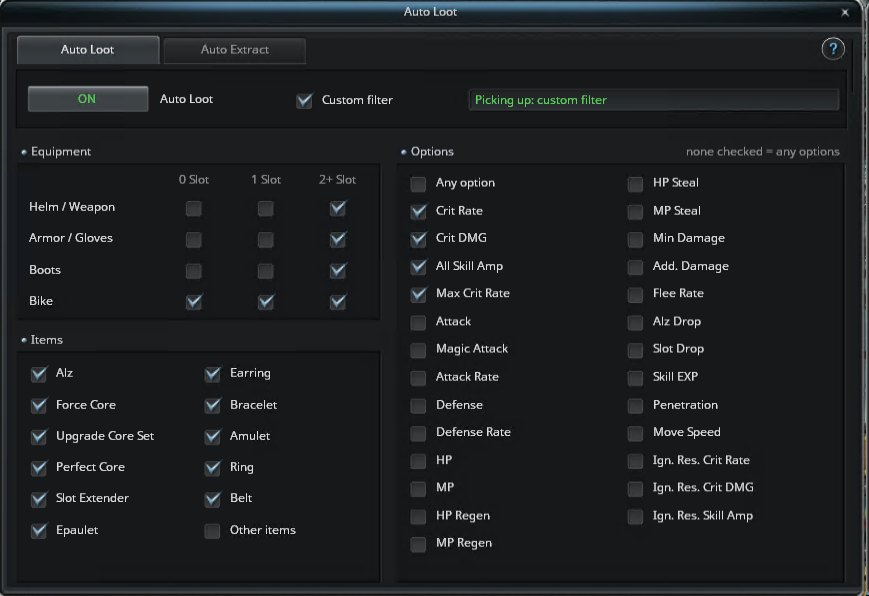
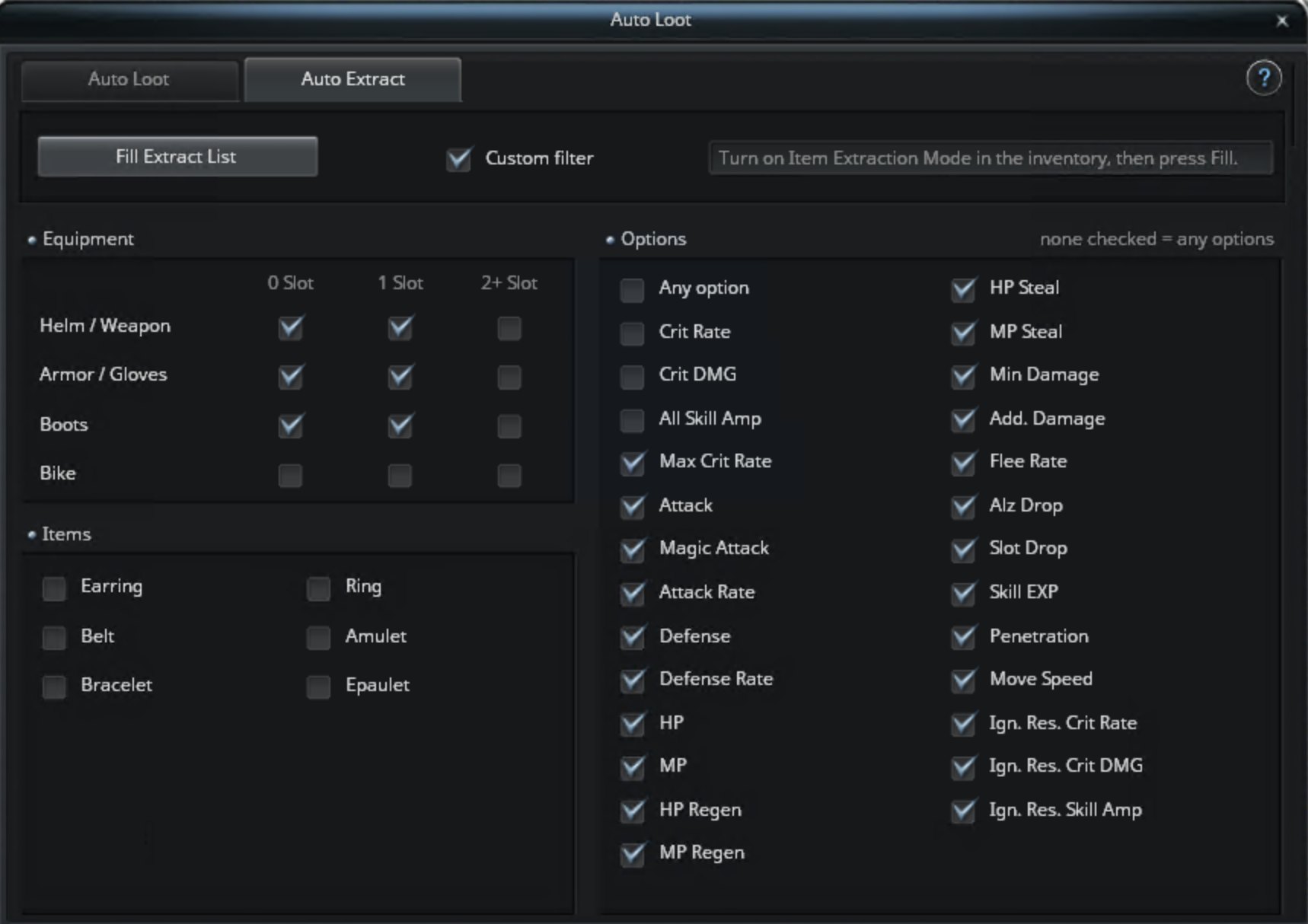
One window in Cabal Menu, System, QOL: automatic looting, safe automatic extraction and automatic quest dialogue in dungeons.
Open Cabal Menu, System, QOL. The window has three tabs.
Auto Loot
Picks up items around you while your character stands still. Choose All or a Custom filter (item type, number of slots, options).
Auto Extract
Turn on Item Extraction Mode and press Fill Extract List. Every item in your inventory that matches your filter is added to the extraction window. You still confirm the extraction yourself.
Always protected: items with a Divine or Extreme upgrade and items with 3 slots are never added, whatever your filter says.
Keep (never extract) lets you protect more items:
- Amp / Outrageous (2 slot): 2 slot items with Skill Amp options, also the ones with one free slot that can still become Outrageous.
- Deathblow / Fatal (2 slot): the same for Critical DMG.
- Craftsman's / Master's: crafted gear.
- Clean 2 slot (craft): 2 slot items without options, kept for crafting.
- Extreme Core.
Auto Quest
Works only in dungeons. Talk to an NPC there and the quest dialogue goes on by itself: the quest is accepted and completed without clicking through every line, and a reward window with one item is confirmed for you.
It stops and waits for you when the dialogue has more than one choice, the NPC has several quests, you have to choose a reward, the next step would enter or leave a dungeon or warp you, or only Bye is left. Quest fights inside the dungeon are started for you. It clicks exactly what you would click, so all quest rules still apply.